← ritwiksharma.com
Soup
Soup · Phone & Chat · State of Undead Purge

Phone and chat

The in-game phone and game chat, and how both connect to Discord and the website.

The in-game phone

In-game phone. Six phone models with messages, a wallet, map pins, music that draws zombies on speaker, and games including a true-scale Space Impact remake and chess with Elo. Phone chat runs both ways with Discord, and game chat has its own sticker picker with emoji, Zombita's set, each player's own pack, favourites and moving GIFs. The game can't play GIFs, so each one is stored as frames and shown in turn.
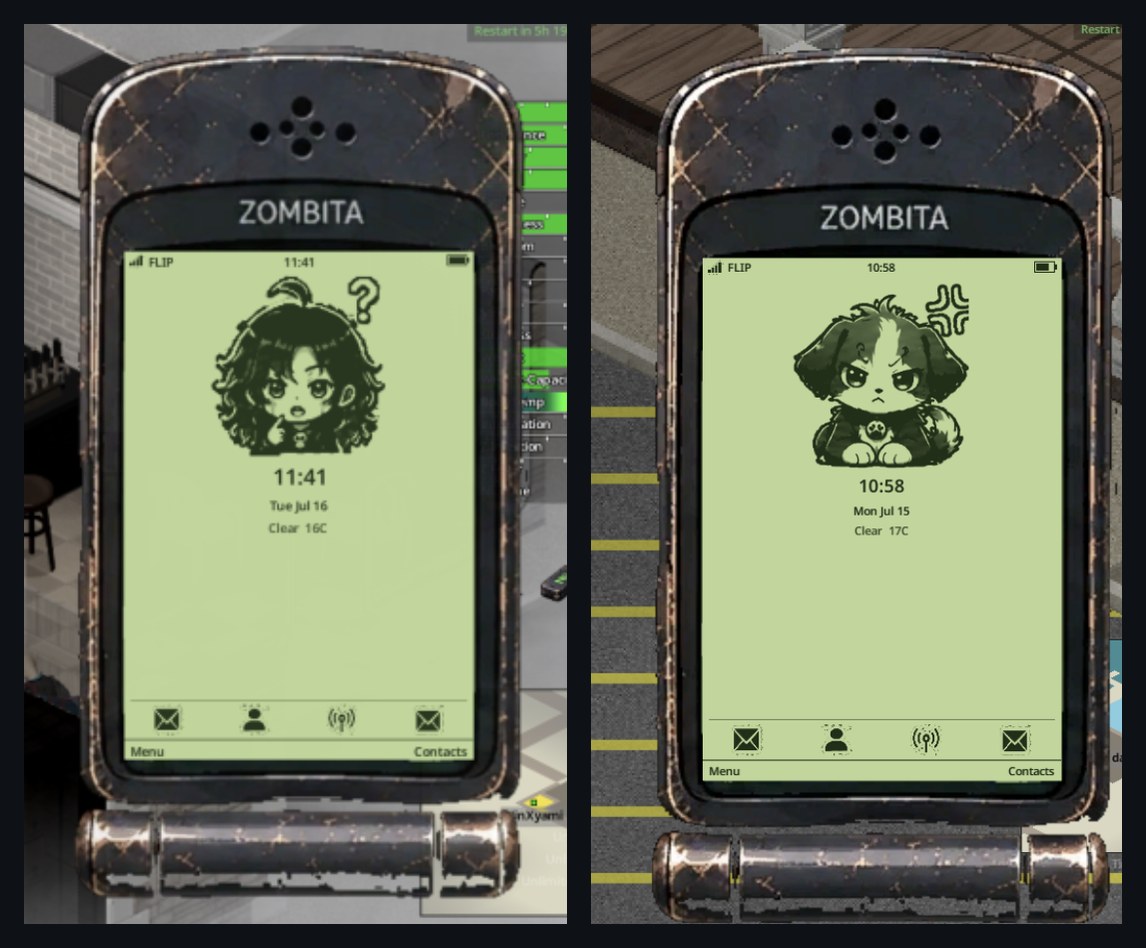
Two Zombita Flip phones with monochrome screens showing pixel-art wallpapers, the time and the weather.
The Flip, one of the six phone models, with its own monochrome screen.
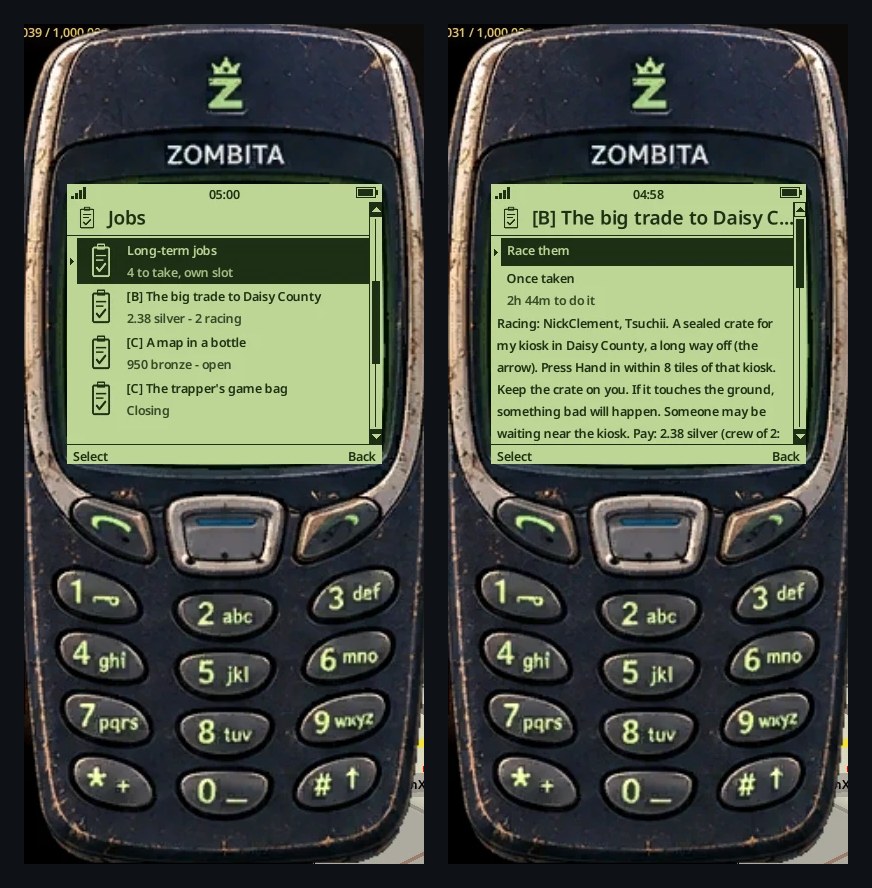
The keypad phone showing the Jobs list and the detail of a raced big job, laid out for its small screen.
The same Jobs app on the keypad phone, drawn for its small screen. Every phone model has its own interface, not just a new skin.
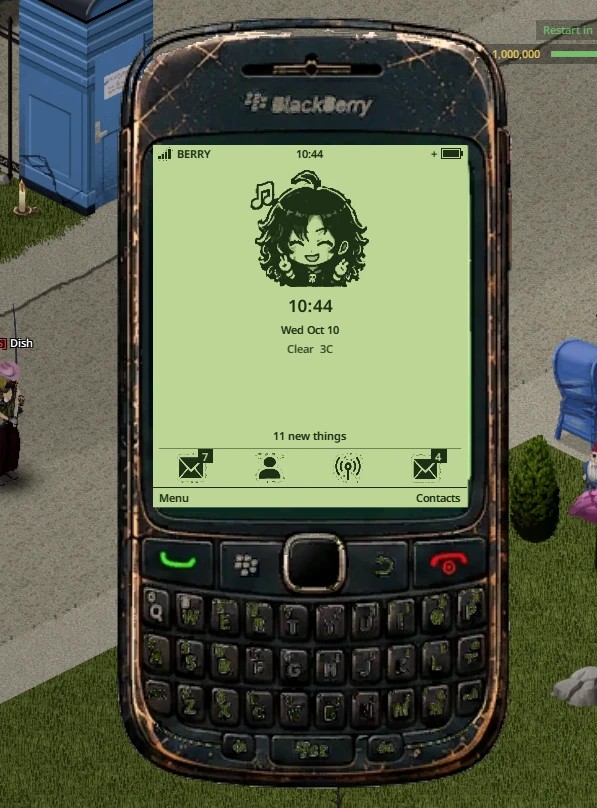
The Berry phone model, a keyboard phone with a small green screen showing Zombita, the time, the weather and 11 new things.
Another model, the Berry, with a full keyboard and its own small-screen layout. Screenshot by Dish.
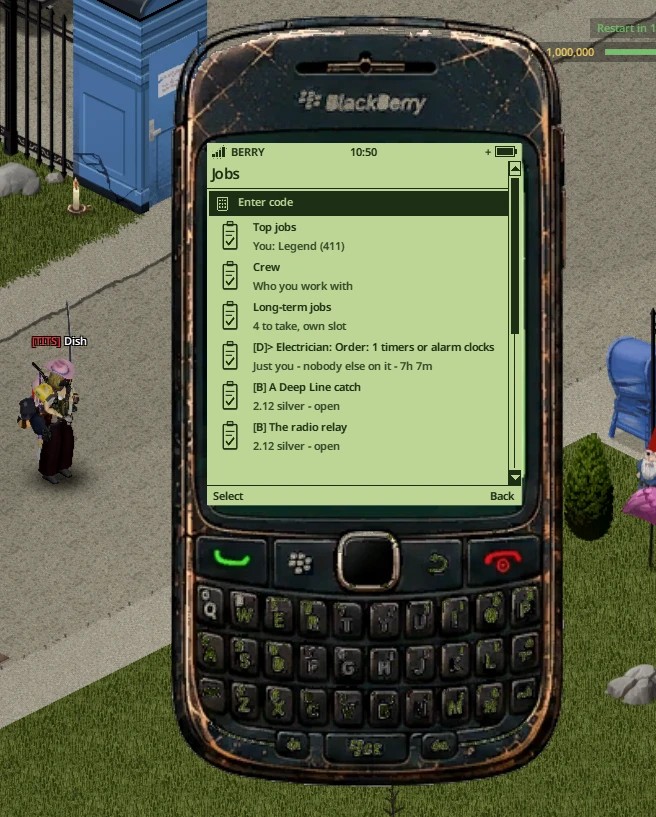
The Jobs app on the Berry phone: enter code, top jobs with the player's rank, crew, long-term jobs and open jobs with pay.
The same Jobs app again, laid out for the Berry. Screenshot by Dish.
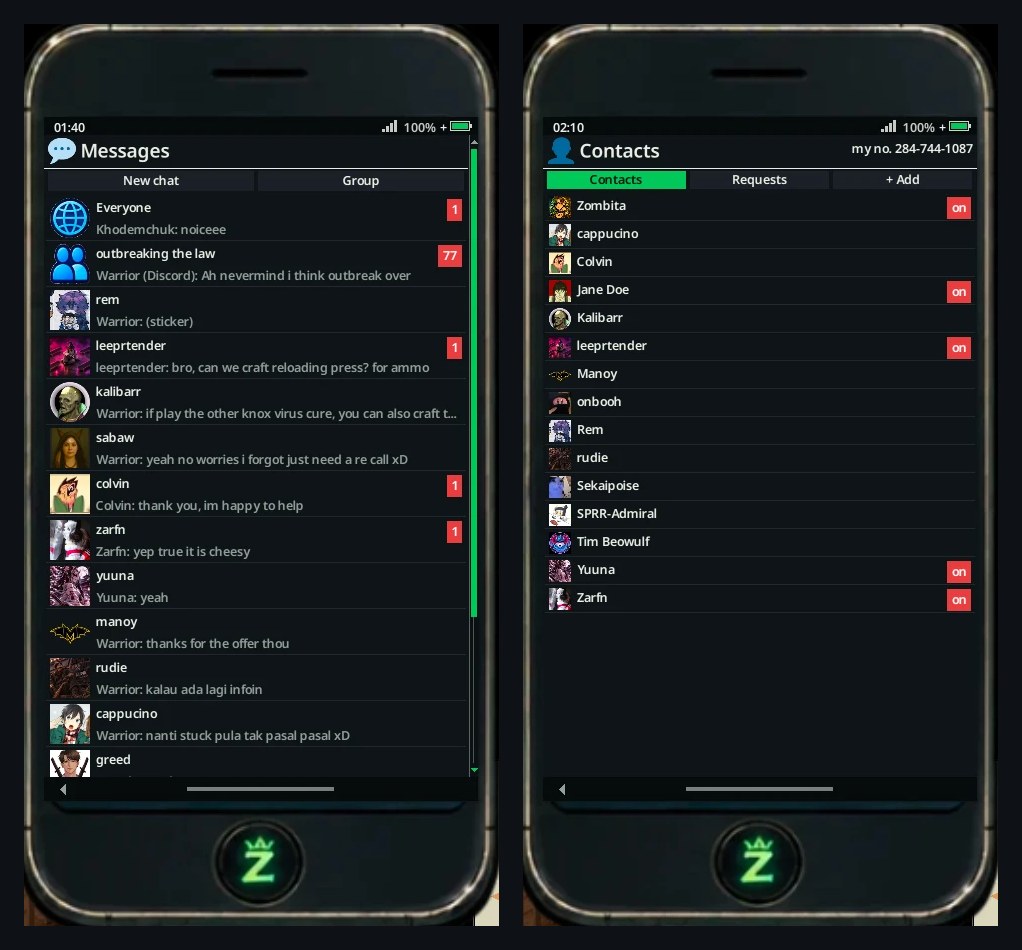
The phone's Messages app with direct chats and a group whose messages include ones sent from Discord, and the Contacts app with the player's own number and who is online.
Messages and Contacts. Direct chats and groups, with Discord messages landing in the same threads, and every player gets their own number. Screenshot by Warrior.
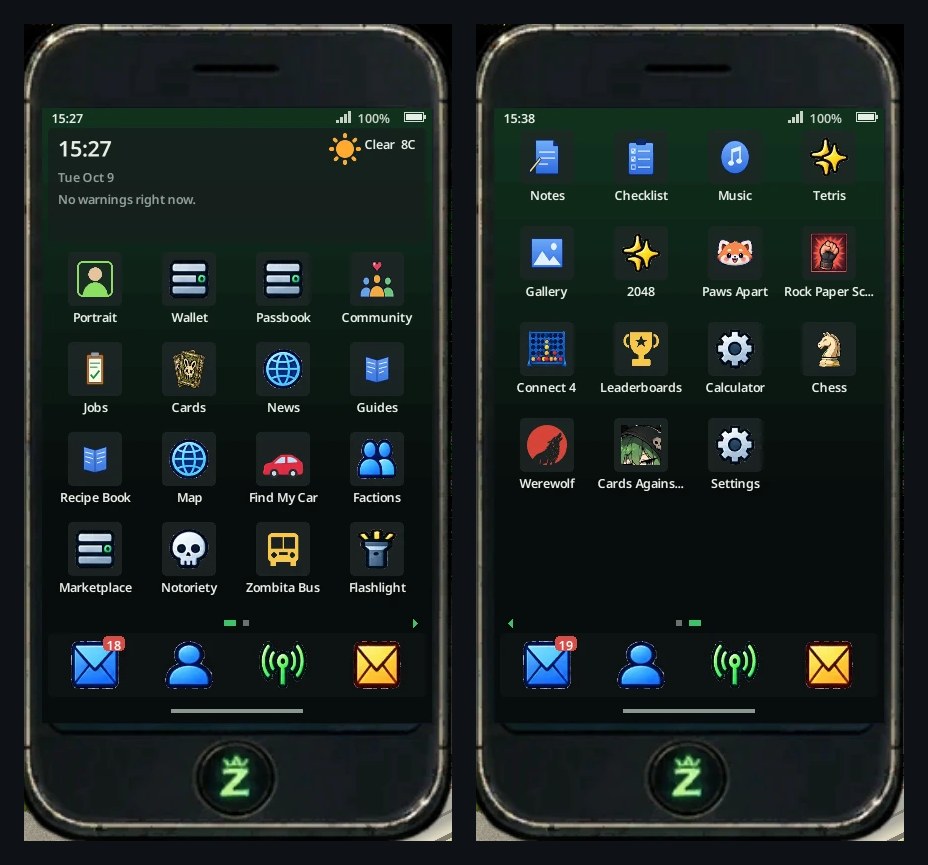
The in-game phone's two home screens: wallet, jobs, cards, news, map, find my car, factions, marketplace, bus, then notes, music, games, leaderboards and chess.
The in-game phone. Jobs, Cards, Find My Car, Factions and the bus on the first screen; games, leaderboards and chess on the second.
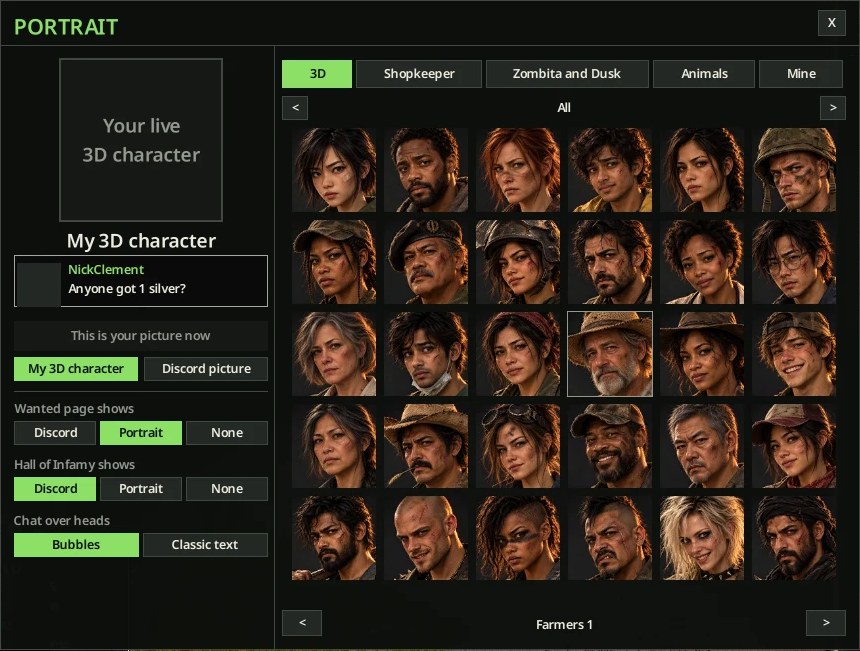
The in-game Portrait app: a grid of character portraits to pick from, with settings for the wanted page, the hall of infamy and chat over heads.
The Portrait app on the in-game phone: pick the face people see over your head when you talk, and where else it shows.
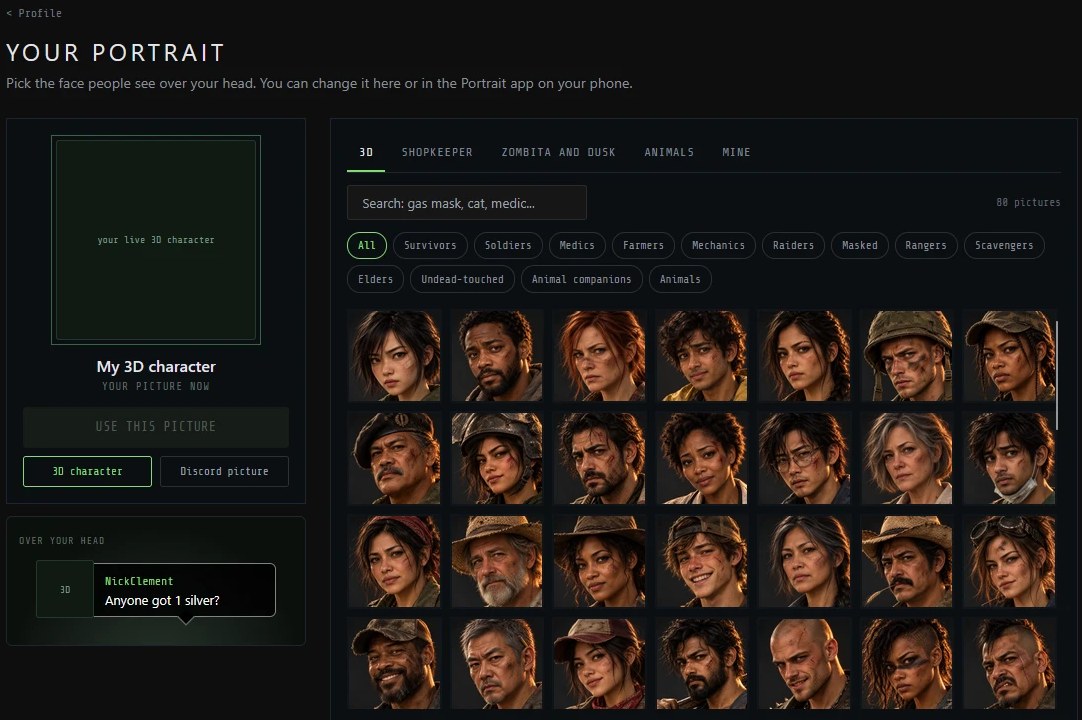
The same portrait picker on the website, with search, categories and a preview of the speech bubble over your head.
The same picker on the website, with search and categories, and a preview of the bubble over your head.
Game chat and the Discord bridge

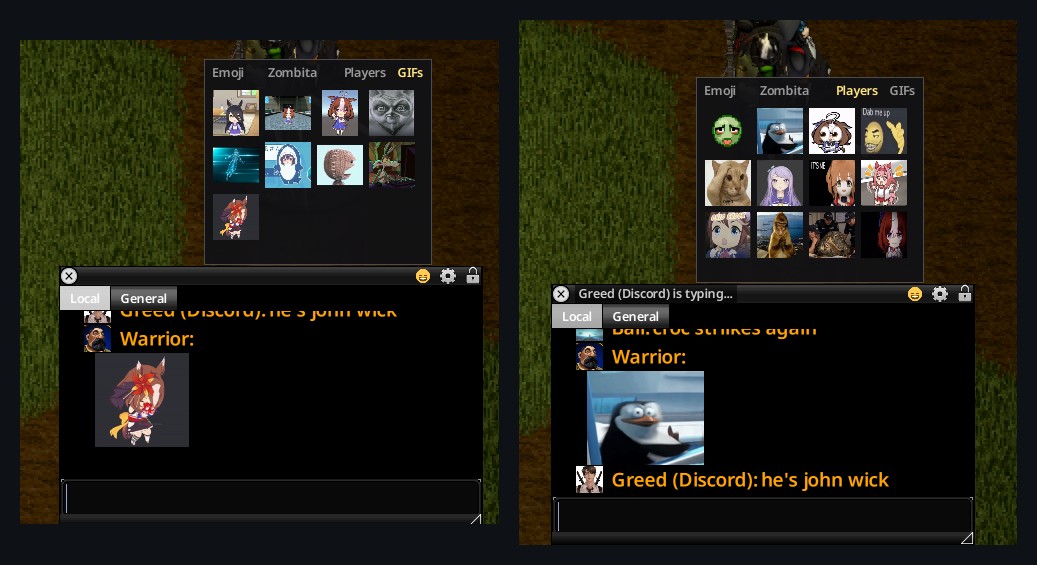
The game chat's sticker picker with Emoji, Zombita, Players and GIFs tabs, and a player's sticker posted in chat next to a Discord message.
The sticker picker in game chat, with GIFs and players' own packs. Messages from Discord show up in the same chat. Screenshot by Warrior.
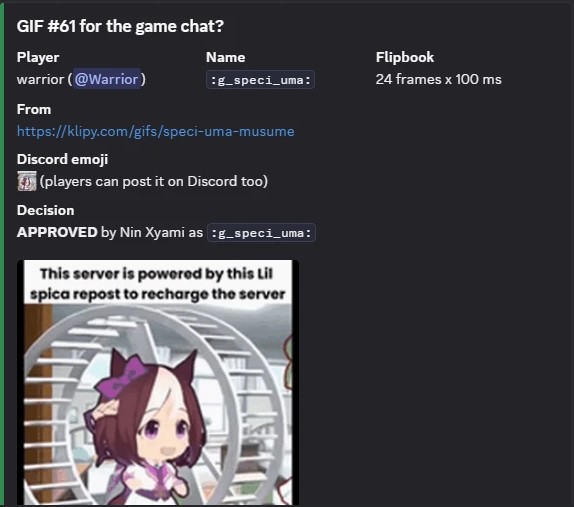
Staff channel card: GIF number 61 for the game chat, with the player, its name, a flipbook of 24 frames at 100 ms, the source, the matching Discord emoji and the approval.
How a GIF gets in: a player submits it on Discord, Zombita turns it into a flipbook (here 24 frames at 100 ms) and an admin approves it. It becomes a Discord emoji too.
A GIF sent from game chat, moving in a game that cannot play GIFs. The same GIF arrives in Discord as a normal GIF. 12 seconds, no sound.
A faction chat full of moving GIFs, and the picker with search. 14 seconds. Video by CiBo.
Private chats get their own tab, with the other player's name and "is typing". 22 seconds. Video by CiBo.
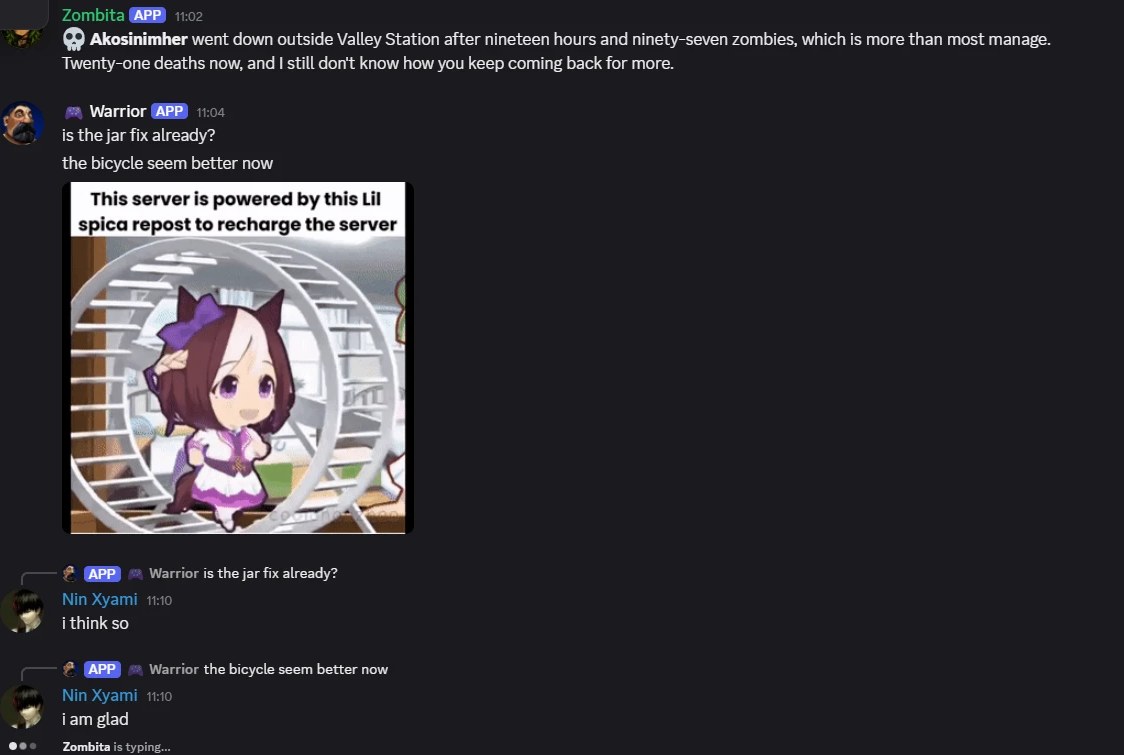
Discord's in-game chat channel: Zombita posts a player's death, a player's GIF and question arrive from the game, the replies are threaded, and Discord shows Zombita is typing.
The bridge from the Discord side: deaths, GIFs and replies come through, and while a player types in game Discord shows "Zombita is typing".
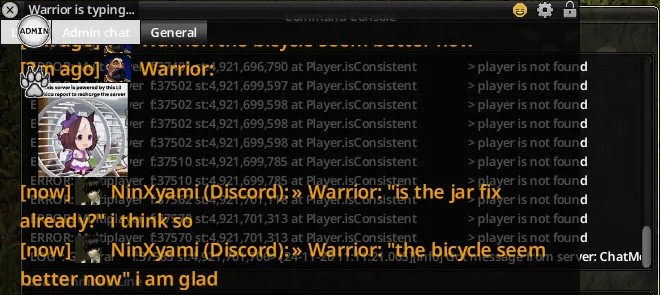
The in-game chat showing Warrior is typing, and Discord replies quoting the message they answer.
And in game: "Warrior is typing" while he writes on Discord, and replies arrive quoting the message they answer.

Pictures and posts

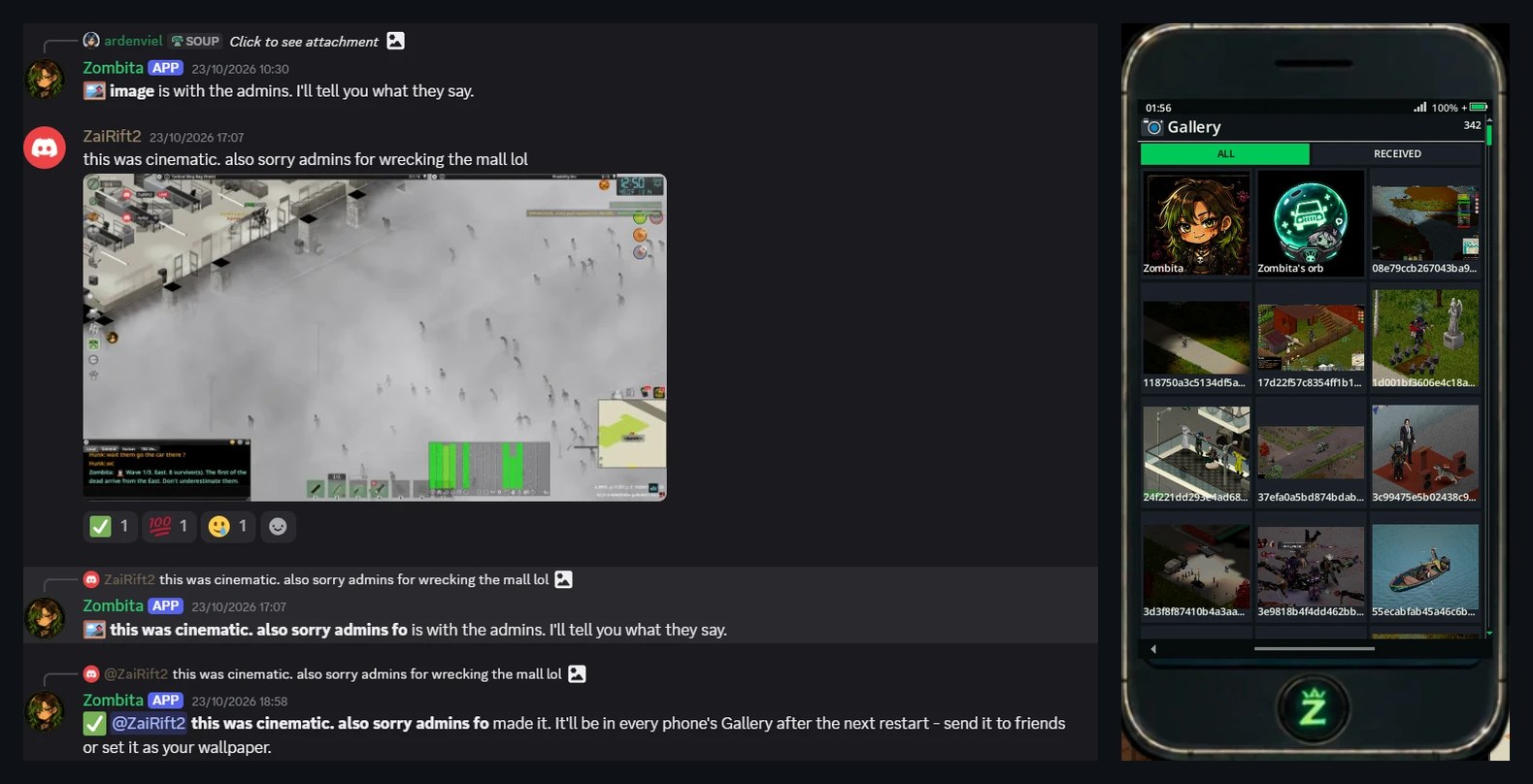
A player posts a screenshot in Discord, Zombita says it is with the admins, then that it made it and will be in every phone's Gallery; next to it the in-game phone Gallery full of players' pictures.
Players' pictures take the same road. Posted in Discord, approved by an admin, then in every phone's Gallery after the next restart, to send to friends or set as a wallpaper. Phone screenshot by Warrior.
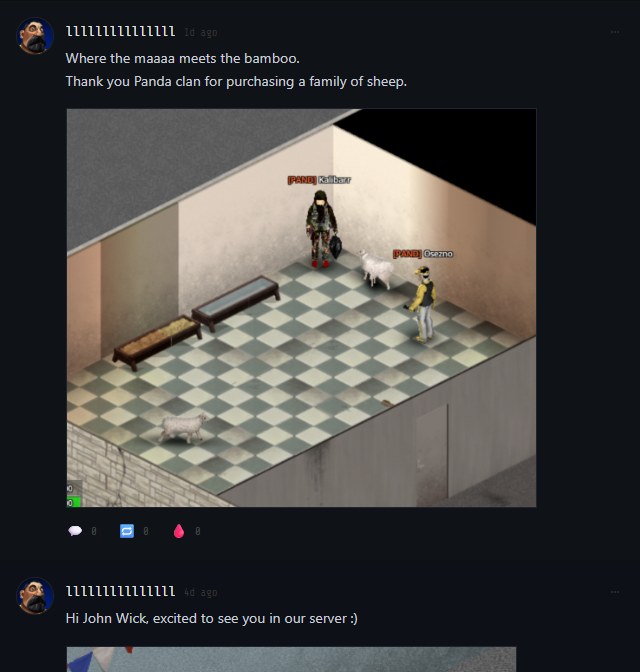
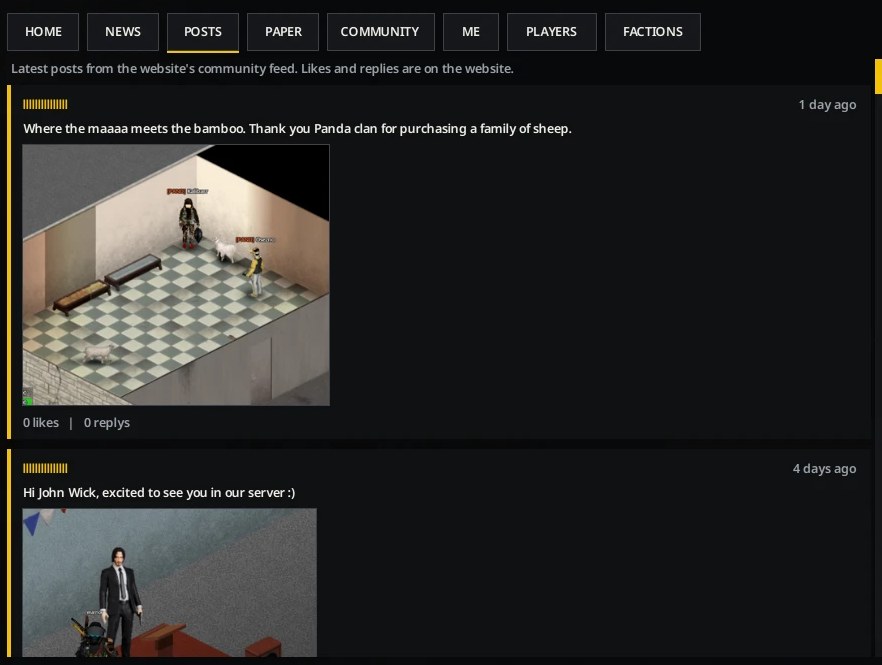
A player's post with a screenshot on the website's community feed.
A player's post on the website's community feed...
The same post in the Posts tab of the in-game hub.
...in the Posts tab of the in-game hub... Screenshot by Warrior.
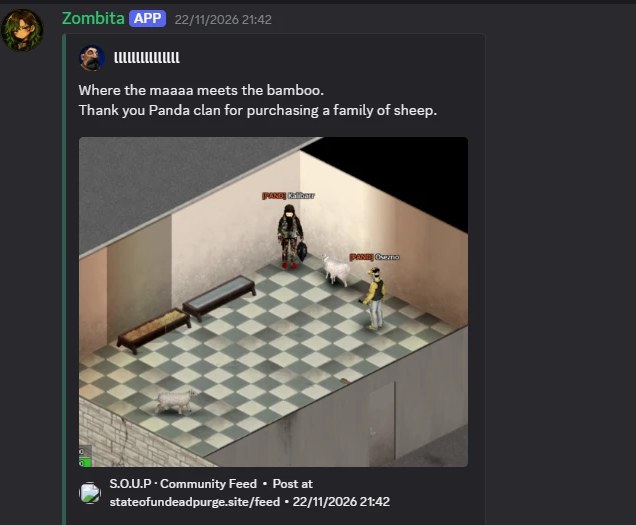
The same post forwarded by Zombita to the Discord website-feed channel.
...and in Discord. One post, three places.
Related work